
The Complete Guide to On-Page SEO for Small Businesses
On-page SEO doesn't have to be complicated. This step-by-step guide covers everything small business owners need to know to rank higher in Google.
Steve Brousseau
Founder, Brousseau Design
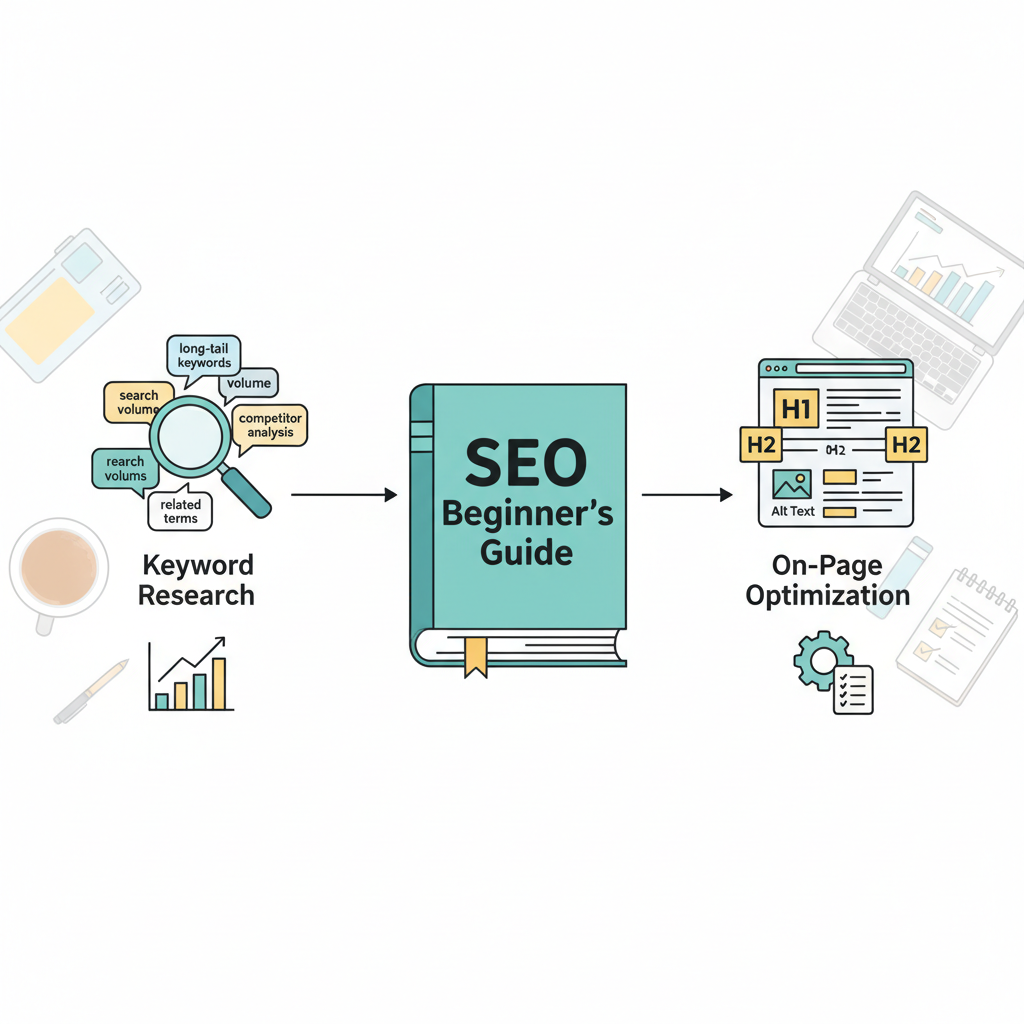
On-page SEO is the practice of optimizing individual web pages to rank higher in search engines and earn more relevant traffic. Unlike off-page SEO (which involves external factors like backlinks), on-page SEO is entirely within your control — and it's where most small businesses should start.
Title Tags: Your Most Important On-Page Element
The title tag is the clickable headline that appears in search results. It's the single most important on-page SEO element, and it's often the most neglected. Every page on your website should have a unique, descriptive title tag that includes your primary keyword and is under 60 characters.
For a local business, your homepage title might look like: "Web Design Charlottetown PEI | Brousseau Design." This tells Google exactly what you do and where you do it.
Meta Descriptions
Meta descriptions don't directly impact rankings, but they dramatically affect click-through rates. A compelling meta description that includes your keyword and a clear value proposition can significantly increase the number of people who click on your result.
Keep meta descriptions between 150-160 characters and write them like ad copy — focus on the benefit to the searcher, not just what the page is about.
Header Tags (H1, H2, H3)
Header tags create structure and hierarchy in your content. Every page should have exactly one H1 tag that includes your primary keyword. Use H2 tags for major sections and H3 tags for subsections. This structure helps both users and search engines understand your content.
Content Quality and Depth
Google's algorithm increasingly rewards comprehensive, authoritative content. For competitive keywords, thin content (under 500 words) rarely ranks well. Aim to create the most useful, complete resource available for your target keyword.
- Answer the main question thoroughly
- Include related questions and answers
- Use examples, data, and specific details
- Update content regularly to keep it current
Image Optimization
Every image on your website should have a descriptive alt text that includes relevant keywords where natural. This helps visually impaired users understand your content and gives Google additional context about your page. Also compress your images — large image files are one of the most common causes of slow page load times.
Internal Linking
Internal links help Google discover and understand the relationship between your pages. They also keep visitors on your site longer by guiding them to related content. Aim to include 2-3 internal links in every piece of content you publish.
URL Structure
Clean, descriptive URLs are better for both users and search engines. Use hyphens to separate words, include your primary keyword, and keep URLs as short as possible while still being descriptive. Avoid numbers, dates, and unnecessary parameters in your URLs.
Page Speed
Google has made page speed an official ranking factor, and for good reason — slow pages frustrate users and increase bounce rates. Use Google's PageSpeed Insights tool to identify and fix performance issues on your site.
Need help implementing these on-page SEO strategies for your PEI business? Our SEO services in Charlottetown and across Prince Edward Island cover everything from technical audits to full on-page optimization. We also offer custom web design built with SEO best practices from the ground up.


Ready to Grow?
Let's Build Something Great Together.
Ready to take your online presence to the next level? Book a free consultation and let's talk strategy.
Book Free Consultation